Wacom · Updated June 2026
Wacom One 13 Touch: price, specs & release date
Wacom One 13 Touch, released 2023. Every price and spec below is linked to its source and dated — no guesses.
Source: support.wacom.com verified STALE · 2026-06-15 ✓ corroborated verify in ledger
- Best for Smooth, low-latency pen drawing with strong palm rejection; Affordable, accessible entry point for beginner digital artists.
- Skip if No built-in kickstand or included stand is a dealbreaker.
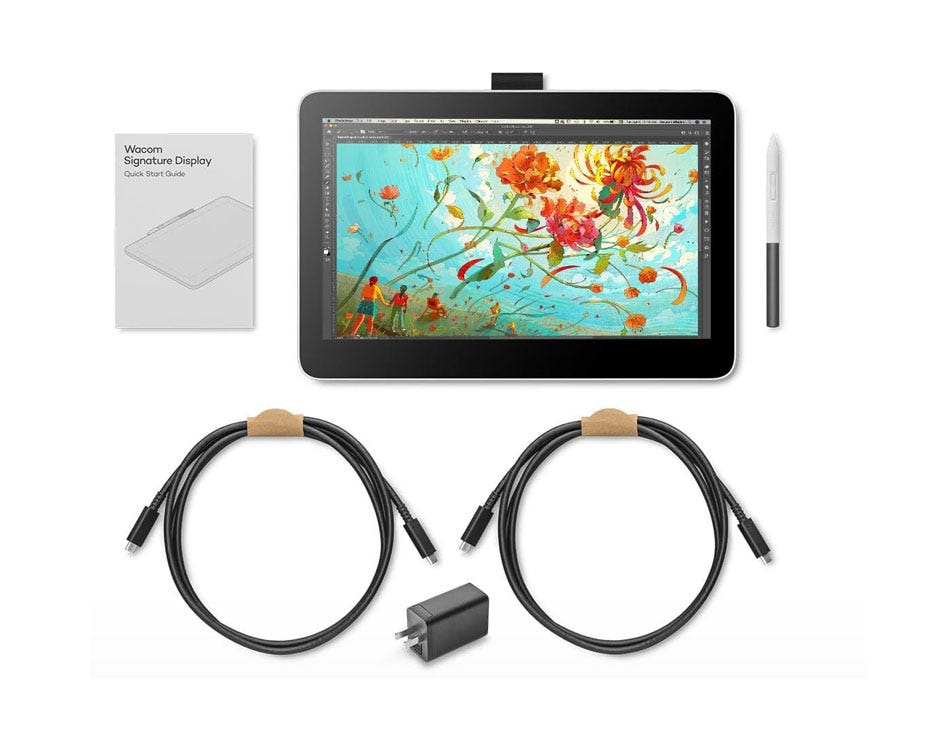
Is the Wacom One 13 Touch a good buy?
At $600, the Wacom One 13 Touch is #14 cheapest of the 18 drawing tablets we track, where the median is $275. On the spec sheet, its pressure levels of 4096 is the lowest of the 18, its express keys of 0 is the lowest of the 18, and its release year of 2023 is above the median of the 18. By release date, it is among the newer of the 18 we date.
Evidence of Record
Our dataNo independent lab has measured this product yet. 3 outlets have it on record by mention only, with no hands-on measurements published to weigh its claims against — a gap in the evidence, not a verdict on the product.
Review consensus · sourced & dated
What reviewers say about the Wacom One 13 Touch
Three whitelisted outlets (TechRadar, Reviewed/USA Today, Tom's Guide) covered this exact model; all praise the smooth, low-latency pen drawing and beginner-friendly accessibility, while flagging the missing kickstand and the extra cost of separately-purchased pen/cables/adapter. All coverage was qualitative hands-on with no lab measurements, and Tom's Guide's piece is an early hands-on preview rather than a fully tested verdict.
Based on 3 reviews · 2023-08-10–2023-12-11
Tested by TechRadar, Reviewed, Tom's Guide
Consistently praised
- Smooth, low-latency pen drawing with strong palm rejection · 3 sources
- Affordable, accessible entry point for beginner digital artists · 3 sources
- Simple single-cable USB-C connection · 2 sources
- Battery-free pen with programmable/customizable buttons · 2 sources
Commonly flagged
- No built-in kickstand or included stand · 2 sources
- Modest 1080p resolution not enough for professional work · 2 sources
- Touch gestures are finicky and need repeated taps to register
- Pen, cables and power adapter can add extra cost
Where reviewers disagree Reviewers split on setup ease: TechRadar calls it 'beautifully simple to set up,' whereas Reviewed needed about two hours and two driver reinstallations to get it recognized on a MacBook Pro. Note that Tom's Guide's coverage is an early hands-on preview rather than a final, fully tested verdict.
The sources (3)
The Wacom One 13 Touch is beautifully simple to set up.
Unlike the previous Wacom One, there's no built-in kickstand, so you'll have to figure out a different leaning solution yourself, or buy a separate stand
you'll notice the difference compared to a stylus that supports 8,000 pressure levels, but this should be enough for casual or early-career artists.
Thankfully, I noticed no latency as I drew with this Wacom.
While the tablet fluidly responds to pen, I often find myself tapping two to four times before the system recognizes my touch command.
It took two driver reinstallations and a good bit of fiddling for Wacom Center to fully recognize the tablet. The whole process took about two hours.
Though I'm not artistically inclined, I found the drawing experience both pleasant and intuitive.
Thanks to the display's excellent palm rejection, I could rest my hand on the device without worrying about triggering unwanted actions.
I'm not a fan of the large bezels surrounding the 8.5 x 5.3-inch working area but that's a problem you might not have.
Specifications
| Price (US) | $599.99 Standard-config launch MSRP ($599.99); eStore tablet+pen config $499.95; clearance ~$479-649 |
|---|---|
| Brand | Wacom |
| Released | 2023 |
| Form | pen_display |
| Active area (in) | 11.6 x 6.5 |
| Display resolution | 1920 x 1080 |
| Pressure levels | 4096 |
| Tilt support | Yes |
| Wireless | No |
| Express keys | 0 |
Source: support.wacom.com (read 2026-06-15) STALE · 2026-06-15 · corroborated by cgchannel.com (read 2026-06-15). Re-verified: 1920x1080, active area 11.6x6.5 in, 4096 pressure, 60 degree tilt recognition, 10-finger multi-touch, no display ExpressKeys (USB-C wired only). Launch price corrected 599.95->599.99: CG Channel (Aug 2023) lists the standard configuration at $599.99 (eStore tablet-only is $499.95). Source switched to the Wacom support key-features article and the CG Channel launch announcement for stronger price corroboration.
Is the Wacom One 13 Touch worth it vs cheaper drawing tablets?
Wacom One 13 Touch against its closest cheaper and pricier drawing tablets on the specs that matter — every value sourced. See all 18 ranked
| Product | Price | Form | Active area (in) | Display resolution | Pressure levels | Tilt support |
|---|---|---|---|---|---|---|
| Wacom One 13 Touch this | $599.99 | pen_display | 11.6 x 6.5 | 1920 x 1080 | 4096 | Yes |
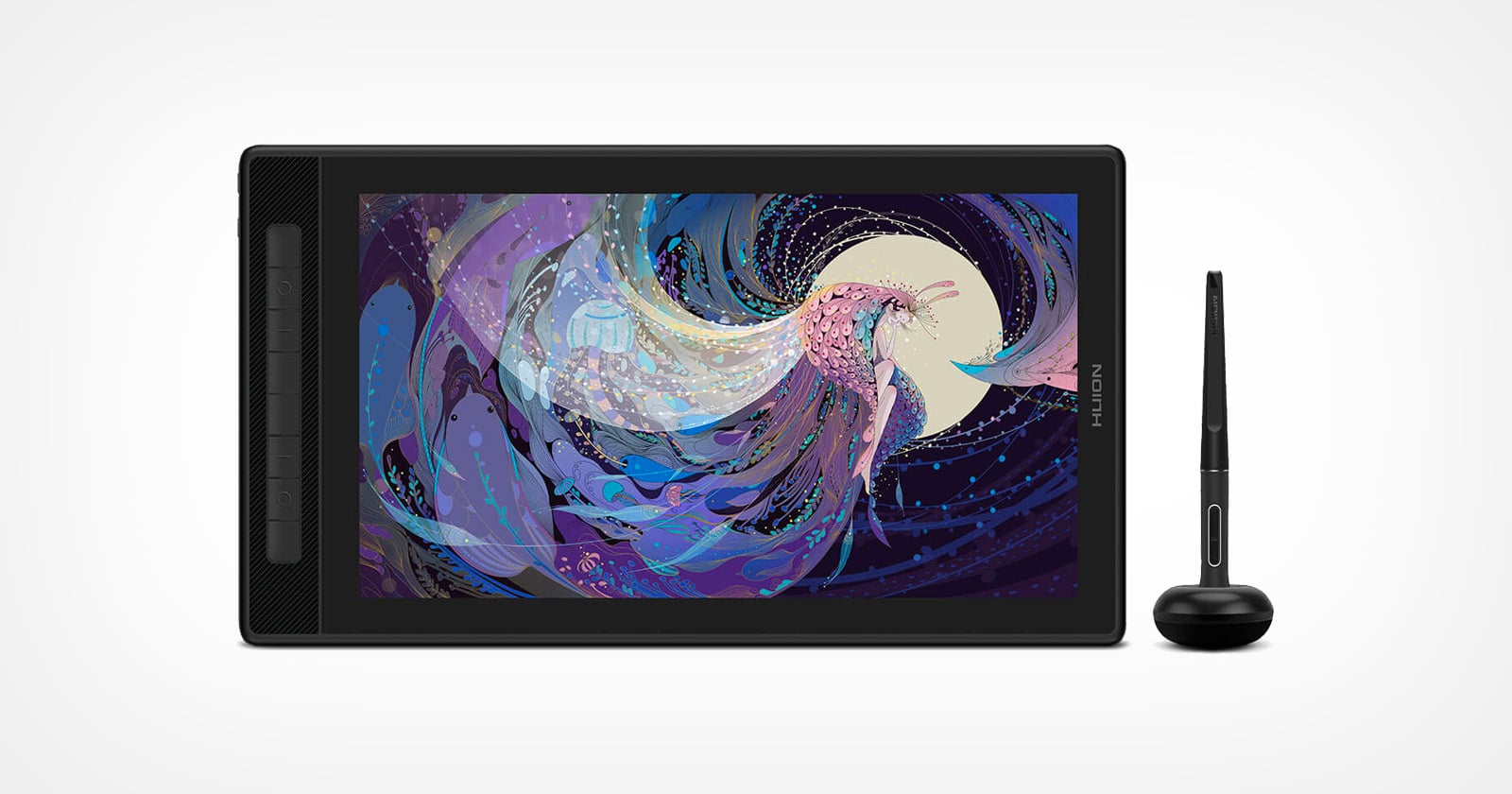
| Huion Kamvas Pro 16 (2.5K) | $599 | pen_display | 13.8 x 7.7 | 2560 x 1440 | 8192 | Yes |
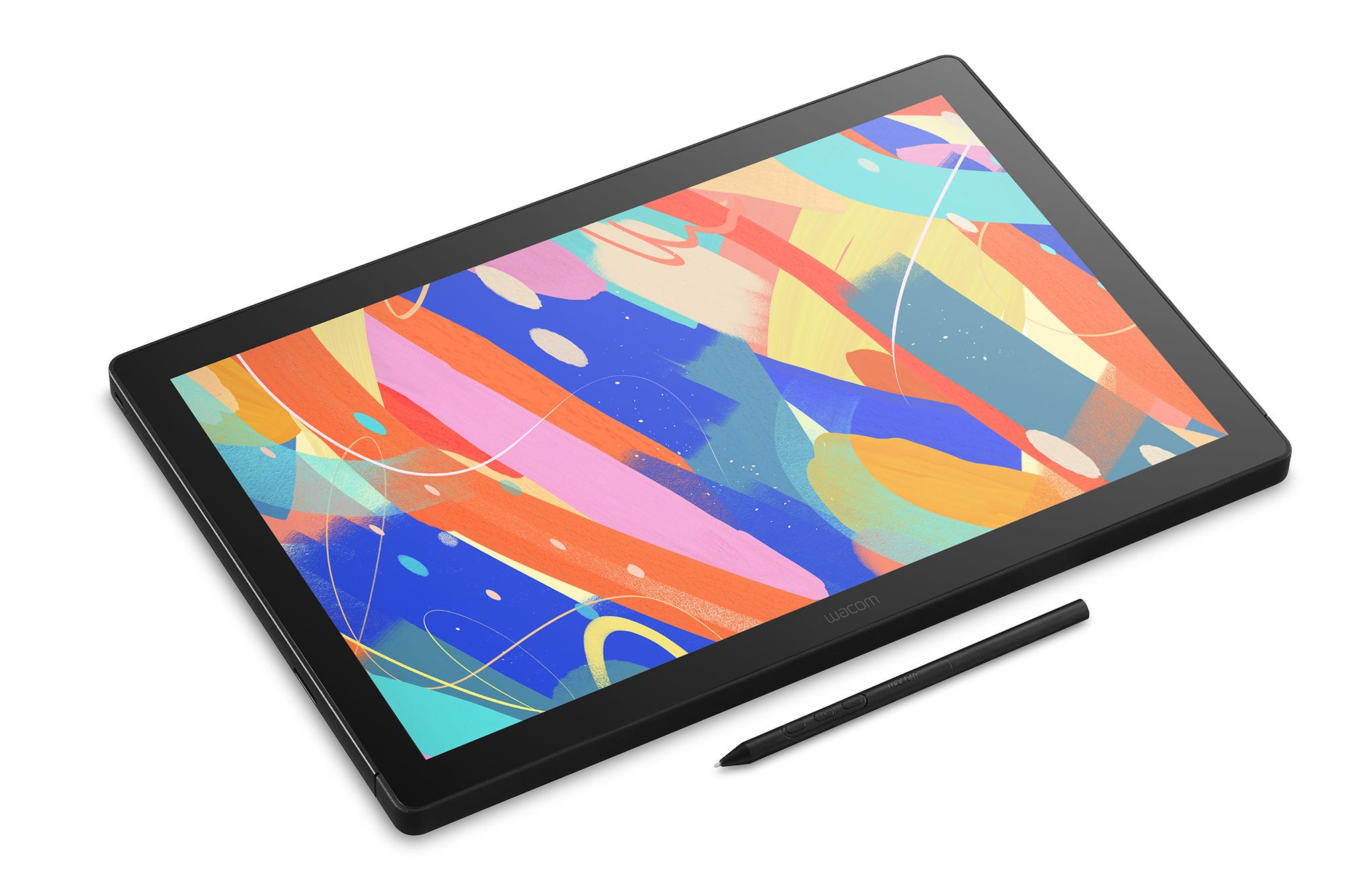
| Wacom Cintiq 16 (2025) | $699.95 | pen_display | 13.6 x 8.5 | 2560 x 1600 | 8192 | Yes |
Frequently asked questions
What do reviewers say about the Wacom One 13 Touch?
Three whitelisted outlets (TechRadar, Reviewed/USA Today, Tom's Guide) covered this exact model; all praise the smooth, low-latency pen drawing and beginner-friendly accessibility, while flagging the missing kickstand and the extra cost of separately-purchased pen/cables/adapter. All coverage was qualitative hands-on with no lab measurements, and Tom's Guide's piece is an early hands-on preview rather than a fully tested verdict. Praised: Smooth, low-latency pen drawing with strong palm rejection; Affordable, accessible entry point for beginner digital artists; Simple single-cable USB-C connection; Battery-free pen with programmable/customizable buttons. Flagged: No built-in kickstand or included stand; Modest 1080p resolution not enough for professional work; Touch gestures are finicky and need repeated taps to register; Pen, cables and power adapter can add extra cost; Large bezels around the working area. (From 3 tester reviews.)
How much does the Wacom One 13 Touch cost?
The Wacom One 13 Touch has a US price of $599.99 (Standard-config launch MSRP ($599.99); eStore tablet+pen config $499.95; clearance ~$479-649), as of 2026-06-15.
How does the Wacom One 13 Touch compare on price?
At $600, the Wacom One 13 Touch is #14 cheapest of the 18 drawing tablets we track, where the median is $275.
When was the Wacom One 13 Touch released?
The Wacom One 13 Touch was released 2023.
What are the Wacom One 13 Touch's key specs?
Wacom One 13 Touch (Wacom): form pen_display, active area in 11.6 x 6.5, display resolution 1920 x 1080, pressure levels 4096, tilt support Yes. Full sourced spec sheet verified 2026-06-15.
Price of record: $599.99 at support.wacom.com, 2026-06-27. Other retailers may be lower — check the current price:
See Wacom One 13 Touch on Amazon As an Amazon Associate we earn from qualifying purchases.Similar drawing tablets
Nearest in price — swipe to browse. Every pick sourced and dated.

All drawing tablets ranked · Open data & methodology · Queryable via MCP
Compare with
Cheaper drawing tablets
- Huion Kamvas Pro 16 (2.5K) $599
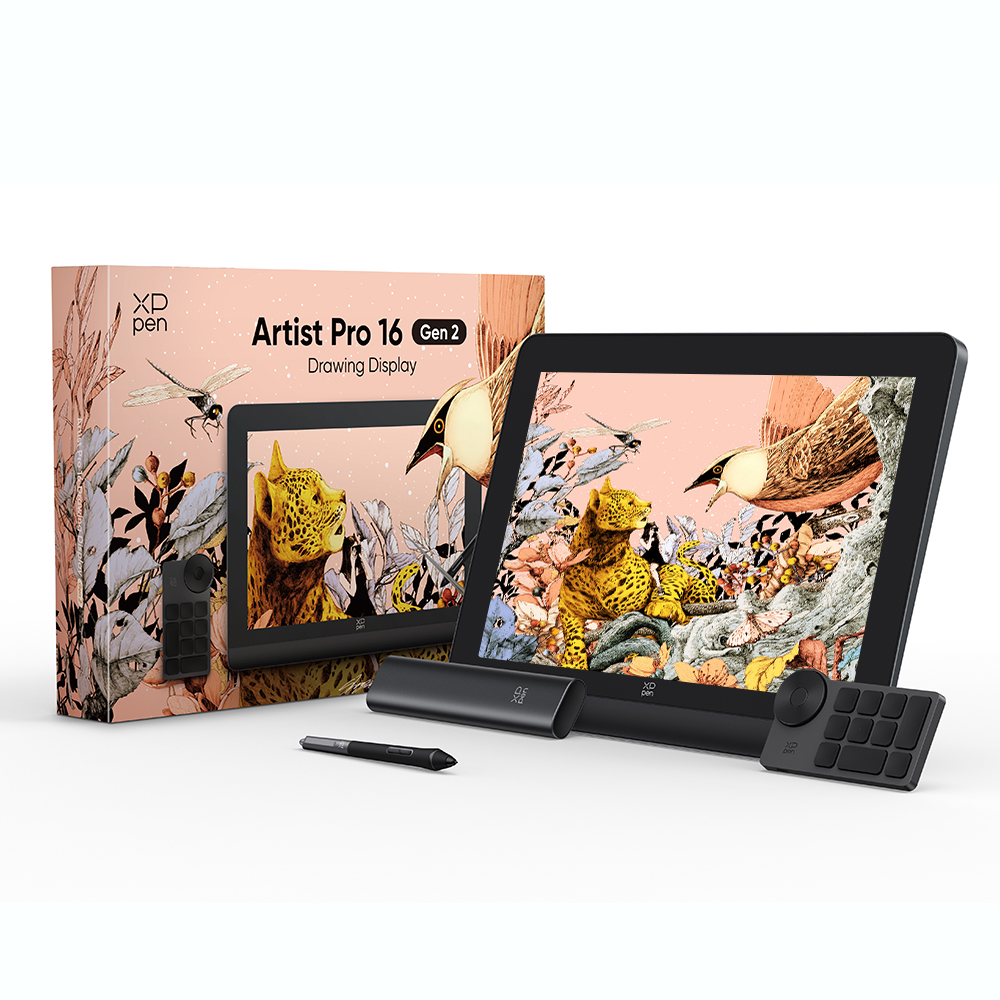
- XP-Pen Artist Pro 16 (Gen 2) $499.99
- Wacom Intuos Pro Medium $379.99
- Wacom Intuos Pro Medium (2025) $379.95
- Wacom One 12 $299.95
- XP-Pen Artist 12 (2nd Gen) $249.99
Step up
- Wacom Cintiq 16 (2025) $699.95
- Wacom Cintiq 22 $999.95
- Wacom Cintiq Pro 16 (2021) $1499.95
More from Wacom
- Wacom Intuos Pro Medium (2025) $379.95
- Wacom Intuos S $79.95
- Wacom Cintiq 16 (2025) $699.95
- Wacom Cintiq Pro 16 (2021) $1499.95
- Wacom Intuos Pro Medium $379.99
- Wacom One 12 $299.95
Part of the Tablets & e-readers cluster
Screens for reading, drawing and notes. Same sourcing, same dated prices: