XP-Pen
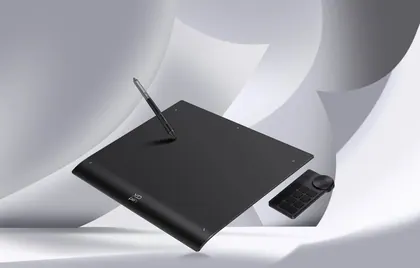
XP-Pen Deco Pro MW
$129.99Cheaper
Released 2019
Best Drawing Tablets · head-to-head
A sourced, side-by-side comparison. XP-Pen Deco Pro MW is cheaper at $129.99. Every spec and price links to its source.
XP-Pen
$129.99Cheaper
Released 2019
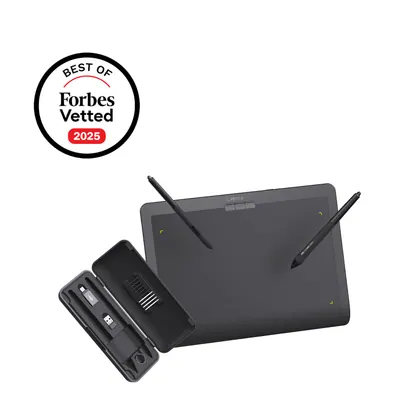
Xencelabs
$224.99
Released 2025
On the specs we track, they're closely matched. The XP-Pen Deco Pro MW is the cheaper at $129.99.
As an Amazon Associate we earn from qualifying purchases. Prices verified at capture; live price may differ.
✓ marks the stronger figure where "more" — or "less", for price and weight — is unambiguously better.
| Spec |  XP-Pen Deco Pro MW XP-Pen Deco Pro MW |  Xencelabs Pen Tablet Medium Xencelabs Pen Tablet Medium |
|---|---|---|
| US price | $129.99 | $224.99 |
| Brand | XP-Pen | Xencelabs |
| Released | 2019 | 2025 |
| Form | pen_tablet | pen_tablet |
| Active area (in) | 11.0 x 6.0 | 10.3 x 5.8 |
| Display resolution | — | — |
| Pressure levels | 8192 | 8192 |
| Tilt support | Yes | Yes |
| Wireless | Yes | Yes |
| Express keys | 8 | 0 |
| Release year | 2019 | 2025 |
Sources — XP-Pen Deco Pro MW: xp-pen.com (verified 2026-06-15). Xencelabs Pen Tablet Medium: xencelabs.com (verified 2026-11-05).
Where the two actually differ on the specs we track (2 of 7). Matching specs are omitted.
Sourced tester consensus for each — the "what people who used it think" layer, not just specs.
Only one whitelisted tester (TechRadar) published a hands-on review of this exact Deco Pro MW model (medium, wireless), which they physically tested for a few weeks and rate a strong-value budget pen tablet. Praised for its low price and lack of added wireless latency; flagged for cheap-feeling build, dated driver software, and a scratchy stylus that needs heavy pressure at higher levels. (1 sourced review, 1 lab-tested.)
Praised: Exceptional value — high specs at nearly half the price of a comparable wireless Wacom Intuos Pro Medium; No noticeable added latency when drawing in wireless mode; Convenient shortcut buttons and trackpad dial, with easy plug-and-play setup.
Flagged: Build materials feel cheap and long-term durability is uncertain; Driver software feels outdated and needs a few restarts early on; Dial is easily nudged and the flush stylus shortcut buttons are easily bumped.
No sourced tester review yet.