XP-Pen · Updated June 2026
XP-Pen Deco Pro MW: price, specs & release date
XP-Pen Deco Pro MW, released 2019. Every price and spec below is linked to its source and dated — no guesses.
Source: xp-pen.com verified STALE · 2026-06-15 ✓ corroborated verify in ledger
- Best for Exceptional value — high specs at nearly half the price of a comparable wireless Wacom Intuos Pro Medium; No noticeable added latency when drawing in wireless mode.
- Skip if Build materials feel cheap and long-term durability is uncertain is a dealbreaker.
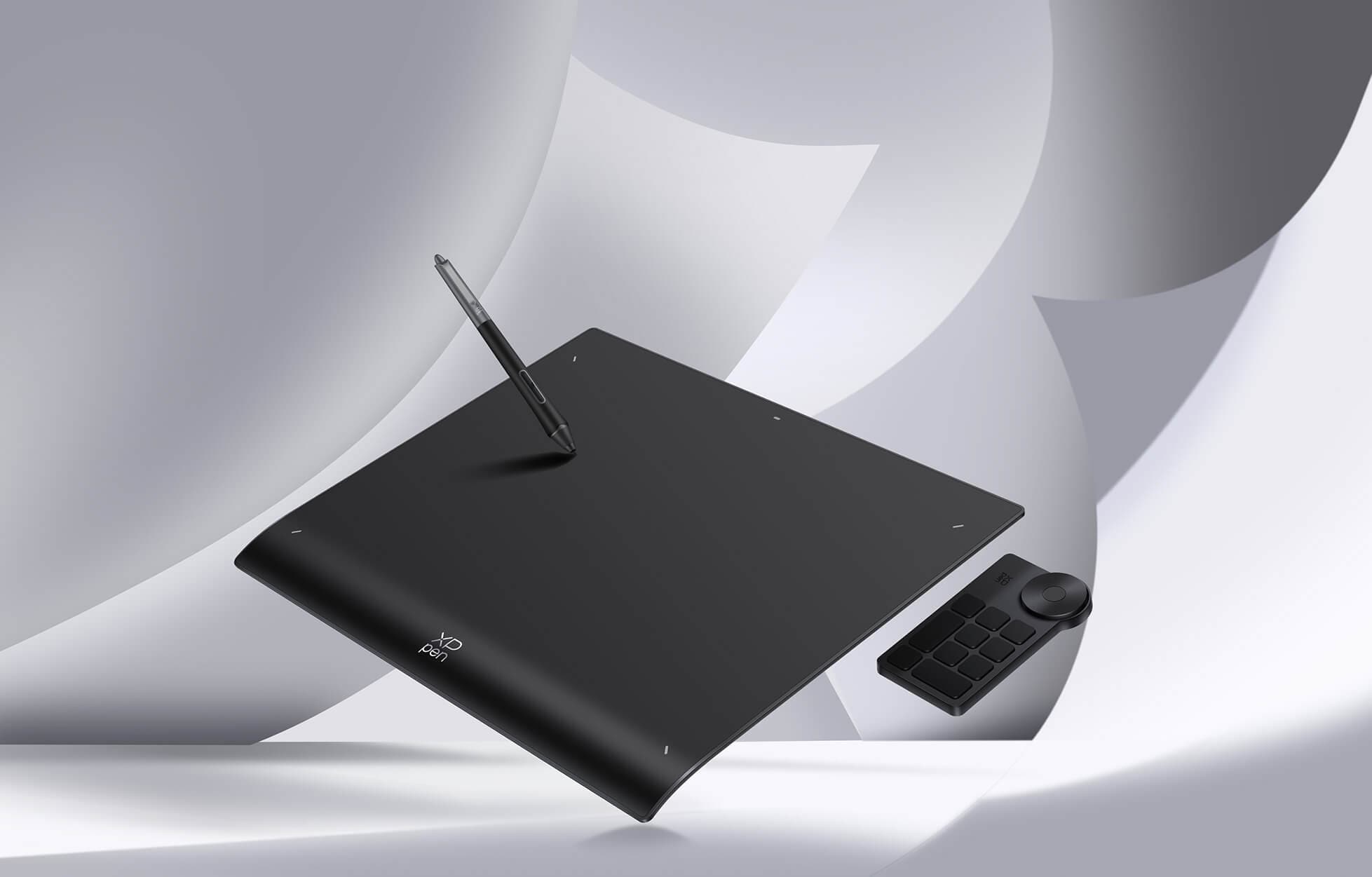
Is the XP-Pen Deco Pro MW a good buy?
At $130, the XP-Pen Deco Pro MW is #4 cheapest of the 18 drawing tablets we track, where the median is $275. On the spec sheet, its express keys of 8 is above the median of the 18, its release year of 2019 is below the median of the 18, and its pressure levels of 8192 is at the median of the 18.
Evidence of Record
Our dataNo independent lab has measured this product yet. 1 outlet has it on record by mention only, with no hands-on measurements published to weigh its claims against — a gap in the evidence, not a verdict on the product.
Review consensus · sourced & dated
What reviewers say about the XP-Pen Deco Pro MW
Only one whitelisted tester (TechRadar) published a hands-on review of this exact Deco Pro MW model (medium, wireless), which they physically tested for a few weeks and rate a strong-value budget pen tablet. Praised for its low price and lack of added wireless latency; flagged for cheap-feeling build, dated driver software, and a scratchy stylus that needs heavy pressure at higher levels.
Based on 1 review · 1 lab-tested · 2022-12-15
Tested by TechRadar
Consistently praised
- Exceptional value — high specs at nearly half the price of a comparable wireless Wacom Intuos Pro Medium
- No noticeable added latency when drawing in wireless mode
- Convenient shortcut buttons and trackpad dial, with easy plug-and-play setup
- Battery-free stylus with strong pressure and tilt sensitivity
Commonly flagged
- Build materials feel cheap and long-term durability is uncertain
- Driver software feels outdated and needs a few restarts early on
- Dial is easily nudged and the flush stylus shortcut buttons are easily bumped
- Higher pressure levels require pushing hard and the nib feels scratchy
Where reviewers disagree Single-source review, so no cross-source comparison is possible; TechRadar itself notes the tablet is excellent value for beginners and upgraders but falls short of the driver, build and stylus polish that professional artists need.
The sources (1)
This is a fantastically low retail price for such promising specs, making this pen tablet one of the best value-for-money drawing tablets available today.
In its wireless mode, we didn't notice any additional latency.
you really have to push down with the stylus to register the higher levels of pressure, which is a bit nerve-wracking when the stylus is so scratchy
Specifications
| Price (US) | $129.99 Current price on XP-Pen official US store (listed 30% off) |
|---|---|
| Brand | XP-Pen |
| Released | 2019 |
| Form | pen_tablet |
| Active area (in) | 11.0 x 6.0 |
| Display resolution | — |
| Pressure levels | 8192 |
| Tilt support | Yes |
| Wireless | Yes |
| Express keys | 8 |
Source: xp-pen.com (read 2026-06-15) STALE · 2026-06-15 · corroborated by xp-pen.com (read 2026-06-15). Re-verified on XP-Pen official product and store pages: Deco Pro MW (medium) 11x6 in active area, 8 shortcut keys, dual wheel, battery-free PA1 stylus with 8192 pressure and 60 degree tilt, Bluetooth 5.0. Price $129.99 confirmed on the official US store. 2019 release (Red Dot Design Award). Draft entry was accurate.
Is the XP-Pen Deco Pro MW worth it vs cheaper drawing tablets?
XP-Pen Deco Pro MW against its closest cheaper and pricier drawing tablets on the specs that matter — every value sourced. See all 18 ranked
| Product | Price | Form | Active area (in) | Pressure levels | Tilt support | Wireless |
|---|---|---|---|---|---|---|
| XP-Pen Deco Pro MW this | $129.99 | pen_tablet | 11.0 x 6.0 | 8192 | Yes | Yes |
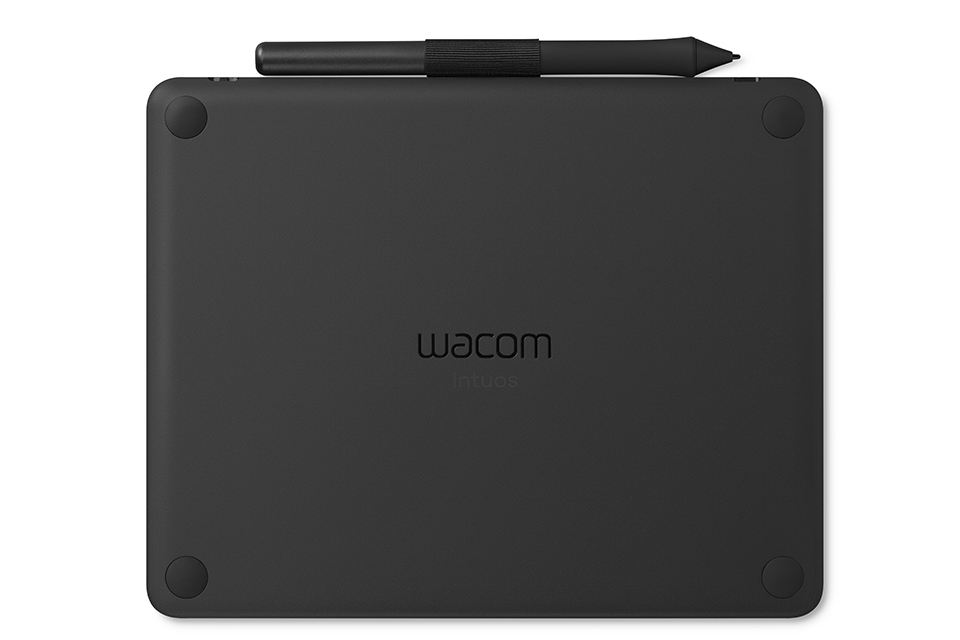
| Wacom Intuos S | $79.95 | pen_tablet | 6.0 x 3.7 | 4096 | No | Yes |
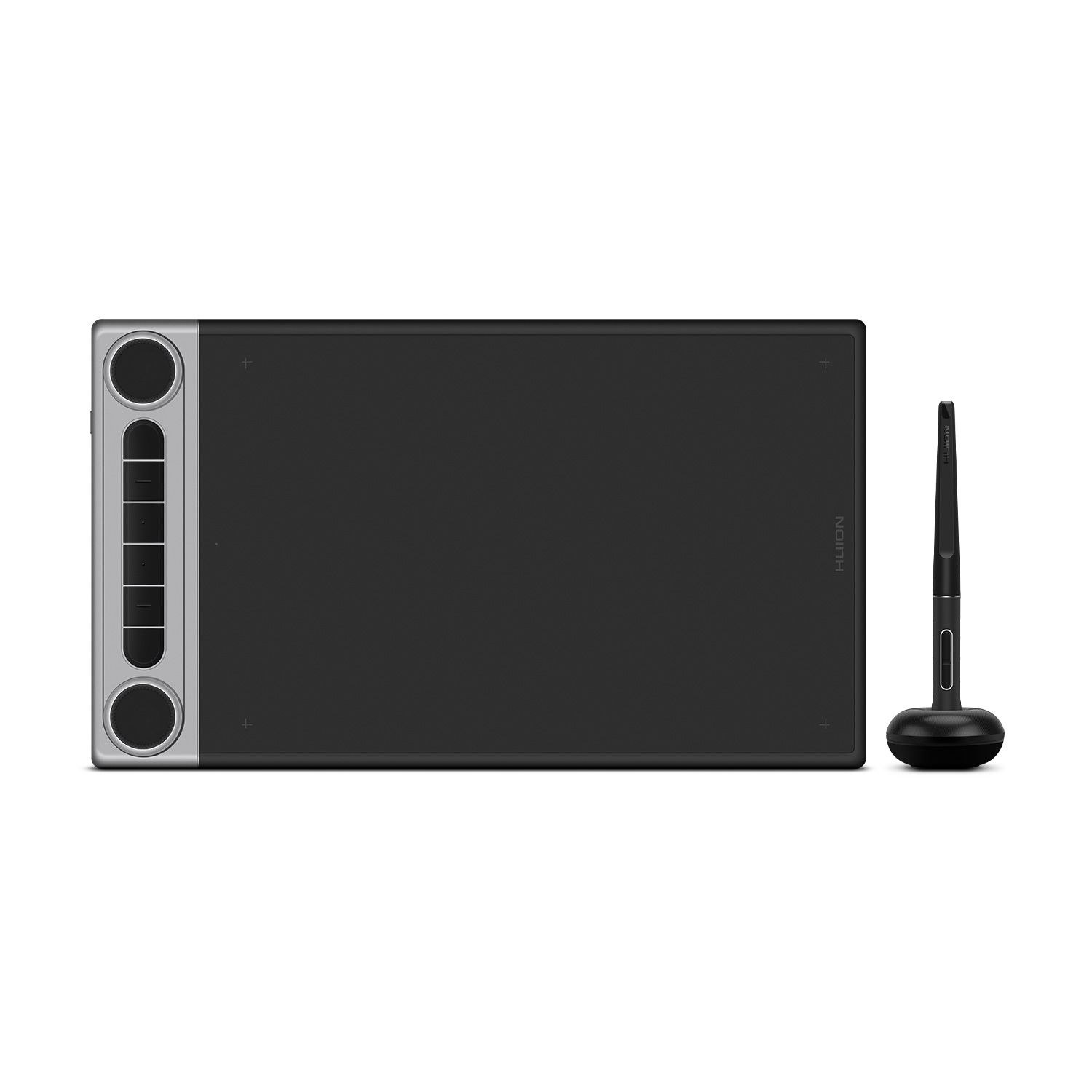
| Huion Inspiroy Dial 2 | $159.99 | pen_tablet | 10.5 x 6.6 | 8192 | Yes | Yes |
Frequently asked questions
What do reviewers say about the XP-Pen Deco Pro MW?
Only one whitelisted tester (TechRadar) published a hands-on review of this exact Deco Pro MW model (medium, wireless), which they physically tested for a few weeks and rate a strong-value budget pen tablet. Praised for its low price and lack of added wireless latency; flagged for cheap-feeling build, dated driver software, and a scratchy stylus that needs heavy pressure at higher levels. Praised: Exceptional value — high specs at nearly half the price of a comparable wireless Wacom Intuos Pro Medium; No noticeable added latency when drawing in wireless mode; Convenient shortcut buttons and trackpad dial, with easy plug-and-play setup; Battery-free stylus with strong pressure and tilt sensitivity. Flagged: Build materials feel cheap and long-term durability is uncertain; Driver software feels outdated and needs a few restarts early on; Dial is easily nudged and the flush stylus shortcut buttons are easily bumped; Higher pressure levels require pushing hard and the nib feels scratchy. (From 1 tester review, 1 lab-tested.)
How much does the XP-Pen Deco Pro MW cost?
The XP-Pen Deco Pro MW has a US price of $129.99 (Current price on XP-Pen official US store (listed 30% off)), as of 2026-06-15.
How does the XP-Pen Deco Pro MW compare on price?
At $130, the XP-Pen Deco Pro MW is #4 cheapest of the 18 drawing tablets we track, where the median is $275.
When was the XP-Pen Deco Pro MW released?
The XP-Pen Deco Pro MW was released 2019.
What are the XP-Pen Deco Pro MW's key specs?
XP-Pen Deco Pro MW (XP-Pen): form pen_tablet, active area in 11.0 x 6.0, pressure levels 8192, tilt support Yes, wireless Yes. Full sourced spec sheet verified 2026-06-15.
Price of record: $129.99 at xp-pen.com, 2026-06-27. Other retailers may be lower — check the current price:
See XP-Pen Deco Pro MW on Amazon As an Amazon Associate we earn from qualifying purchases.Similar drawing tablets
Nearest in price — swipe to browse. Every pick sourced and dated.
All drawing tablets ranked · Open data & methodology · Queryable via MCP
Compare with
Head-to-head
Cheaper drawing tablets
- Wacom Intuos S $79.95
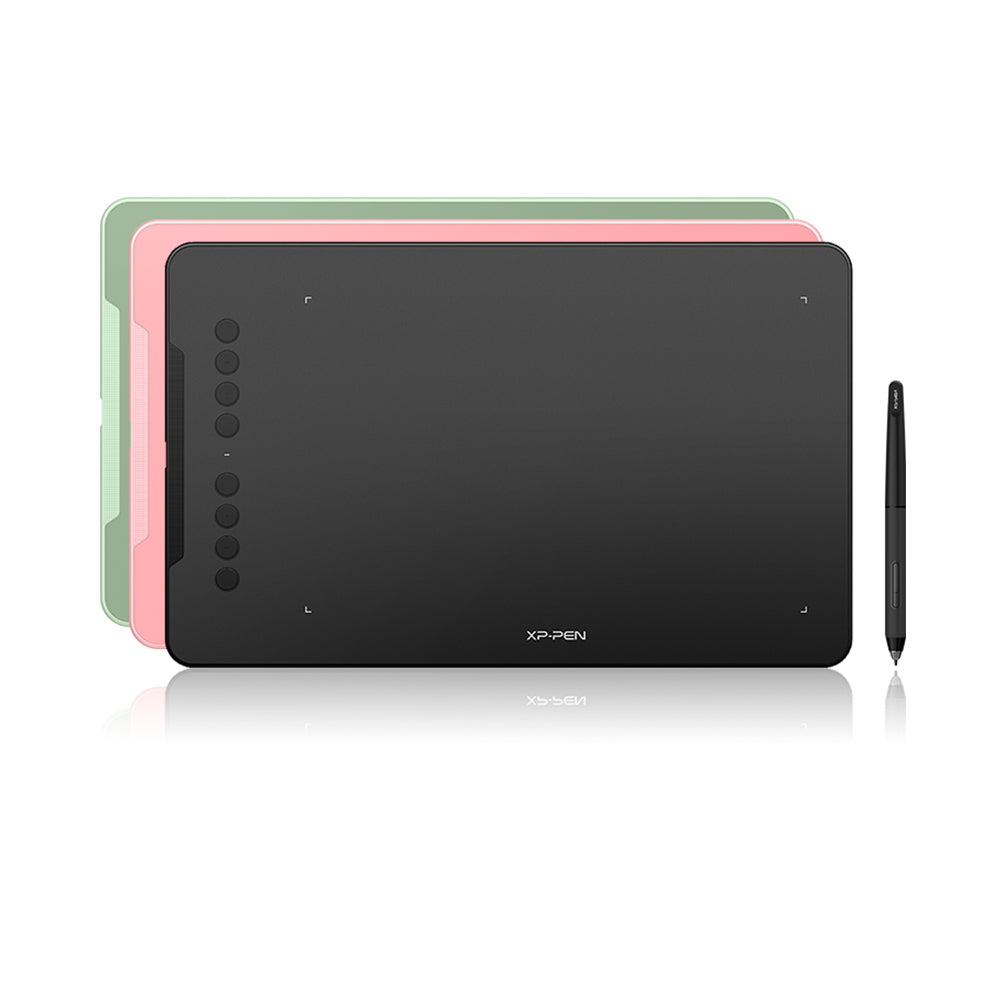
- XP-Pen Deco 01 V2 $46.99
- Huion Inspiroy H640P $39.99
Step up
- Huion Inspiroy Dial 2 $159.99
- Xencelabs Pen Tablet Medium $224.99
- Huion Kamvas 13 $239
- Huion Kamvas 13 (Gen 3) $249
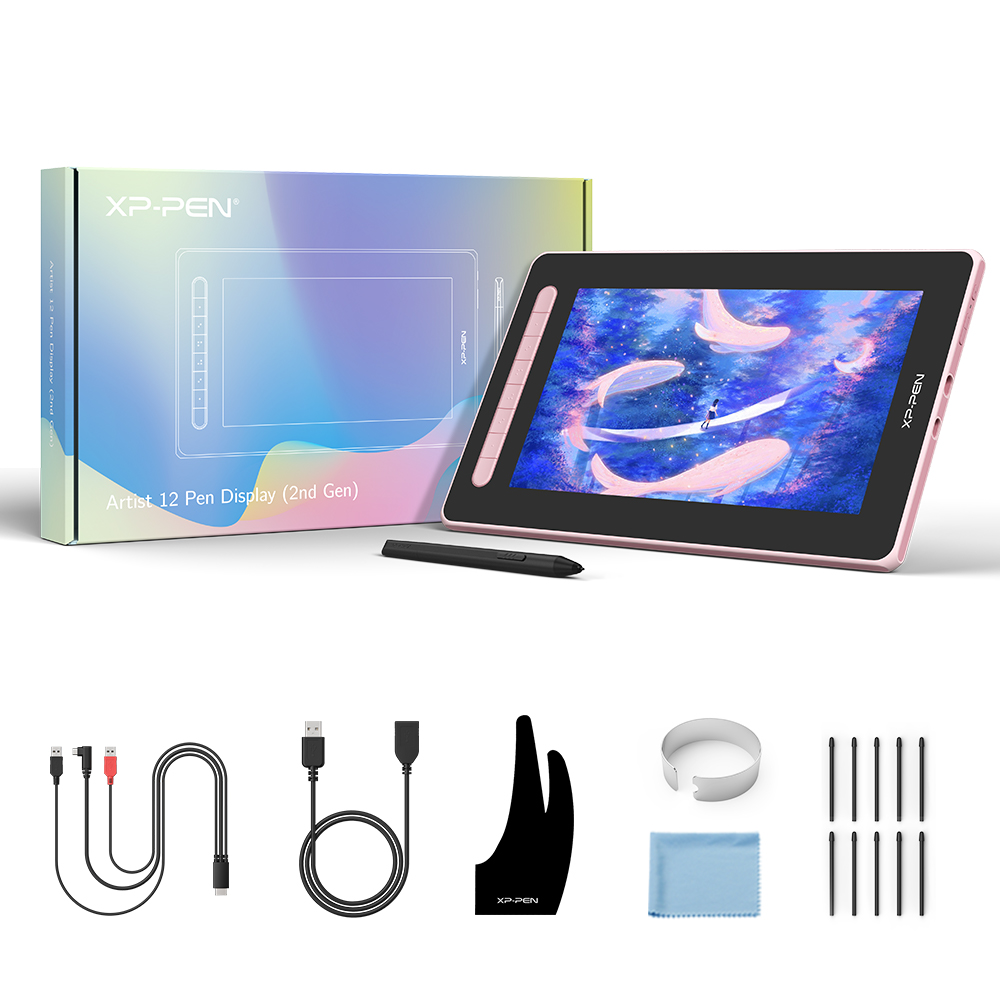
- XP-Pen Artist 12 (2nd Gen) $249.99
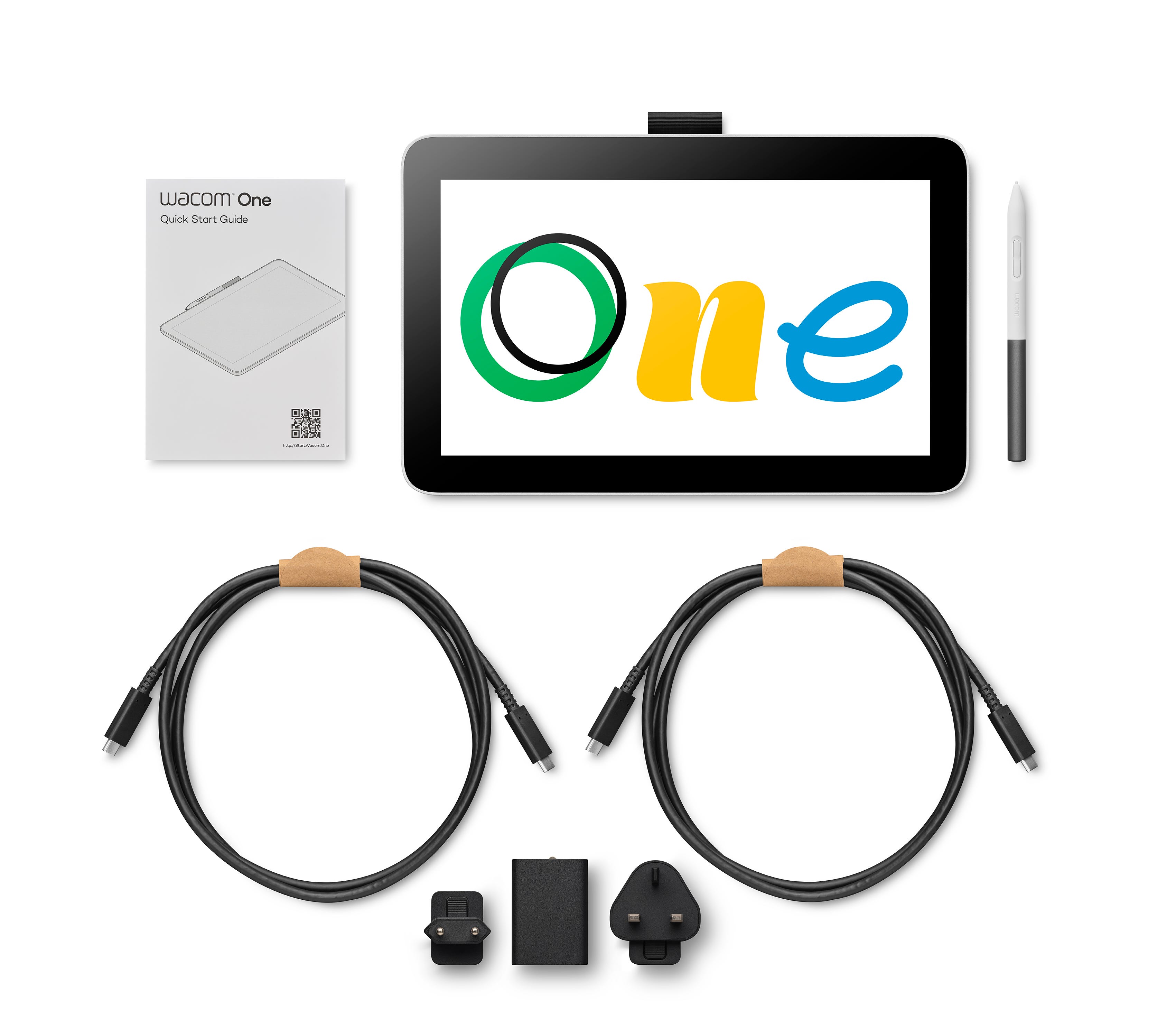
- Wacom One 12 $299.95
More from XP-Pen
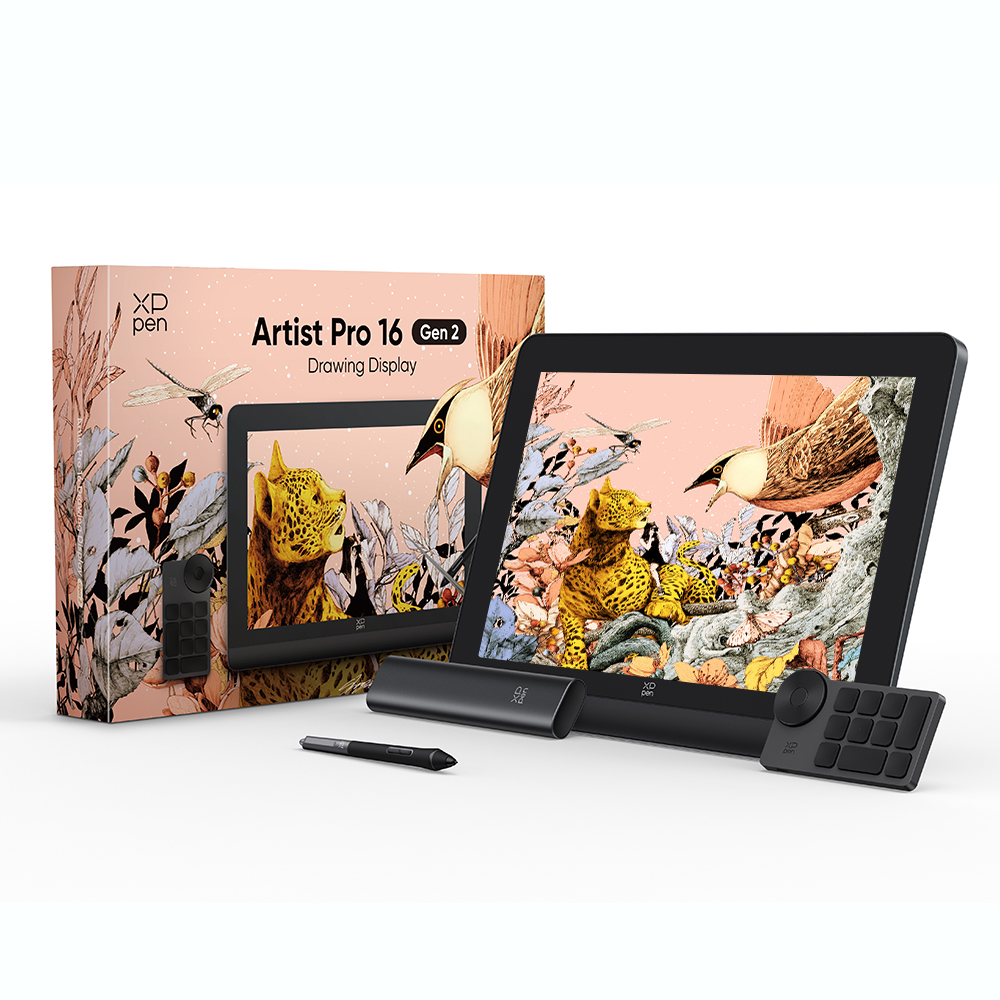
- XP-Pen Artist Pro 16 (Gen 2) $499.99
- XP-Pen Deco 01 V2 $46.99
- XP-Pen Artist 12 (2nd Gen) $249.99
Part of the Tablets & e-readers cluster
Screens for reading, drawing and notes. Same sourcing, same dated prices: